How AI Payroll Software Is Changing Payroll Processing in 2026

The easiest way to see how AI payroll software is changing payroll processing is in the small tasks that fill a payroll cycle: chasing attendance sheets, matching names across files, and rechecking a deduction that looks off. For many Bangladesh businesses, those tasks still live in spreadsheets and messages passed between HR, finance, and department heads.
Some newer systems add AI features on top of standard payroll software. Others only use the label. That gap matters more than it sounds. A team expecting too much from basic software ends up disappointed, while a team that dismisses a useful one keeps spending hours on checks a system could handle.
What follows is a plain look at what payroll software can automate, where AI helps, what still needs a person, and what to ask before choosing Payroll Software in Bangladesh.
What Payroll Processing Involves, and Where Spreadsheets Strain
Payroll processing is the recurring work of turning employee and attendance information into correct pay. It usually means confirming who is on the payroll, collecting attendance and leave, calculating basic pay, allowances, overtime, and deductions, getting approvals, paying employees, and keeping records.
Spreadsheets handle this reasonably well when a company is small, and its pay rules are simple. Strain appears as headcount grows or rules multiply. Files get copied and renamed. A formula changes in one version and not another. Attendance arrives late, so you have to recalculate figures by hand. When one person built the sheet, and only that person understands it, the whole process depends on their availability.
Disconnected steps create a second problem: the same information gets entered more than once. Each re-entry is another chance for a mismatch, and tracing a mistake back to its source can take longer than fixing it.
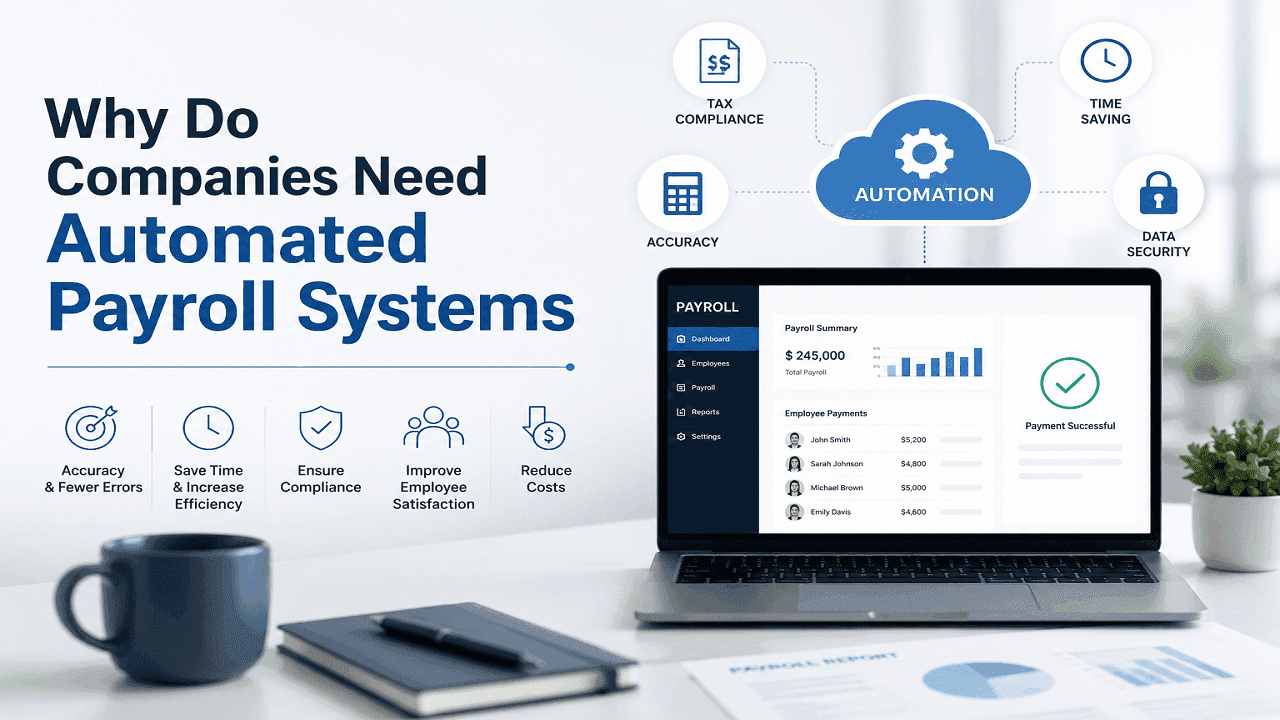
Which Payroll Tasks Software Can Automate
Payroll automation works best on tasks that follow fixed rules and repeat every cycle. Typical examples include:
- Applying salary structures, allowances, and deductions to each employee record
- Pulling attendance and leave figures into the calculation
- Generating payslips and delivering them to employees
- Producing standard payroll reports for finance review
- Routing approvals to the right person and logging who approved what
Good payroll management software does this by following rules that someone has set up. It doesn’t work out those rules on its own. If an allowance is configured incorrectly, the system applies the mistake faithfully to every affected employee, which is why setup and checking matter as much as the software itself.
How AI Payroll Software Is Changing Payroll Processing in Practice
AI in payroll processing mostly helps people notice things, not make decisions. Depending on the product, AI payroll software may:
- Flag entries that differ from a pattern, such as overtime far above an employee’s usual range, or a salary figure that changed with no approval on record
- Point out missing or inconsistent information, like an employee with no bank details or a leave record that overlaps with attendance
- Let users search reports or ask questions about payroll data in plain language
- Suggest corrections or fill repetitive fields for a person to confirm
Capabilities differ widely, and a flag is only a prompt. The system may not know that a spike in overtime followed a project deadline, or that an unusual deduction was agreed with the employee. A person still has to look at the entry and decide whether it’s a problem. Teams evaluating these features should ask what the system actually checks and how it shows the reason for a flag.
When Attendance, Leave, and Payroll Share the Same Data
Payroll figures depend on other records: who worked, who was on leave, who joined or left mid-month. When attendance, leave, employee details, and payroll sit in separate files, someone has to carry information from one to another.
Attendance and payroll integration removes much of that carrying. An approved leave request can adjust working days in the calculation without being retyped. A change to an employee’s designation or bank account is made once and appears where payroll needs it. Reviewers can follow a payroll figure back to the attendance or leave entry behind it, which makes questions easier to answer.
Integration doesn’t fix bad input, though. If attendance is recorded wrongly at the source, a connected system will carry that error forward quickly. It reduces re-entry, not the need to check the underlying records.
Where Human Judgment Still Decides
Some payroll decisions can’t be reduced to a rule. A mid-month joiner who received an advance, a bonus approved verbally, a deduction an employee disputes, a policy that doesn’t clearly cover a situation: these need someone who knows the company’s policies and can weigh the context.
Payroll staff also review results before payment. Comparing this month’s totals with last month’s, checking unusual changes, and confirming that approvals are in place are tasks no flag fully replaces. Employee questions about pay can be sensitive, and they often need a person who can explain a figure clearly and listen.
Software and AI can reduce routine effort, and that may free up time for these tasks. They don’t take responsibility for them, and they don’t replace payroll professionals.
Data Quality, Privacy, and Local Requirements
Payroll output is only as sound as its input. Duplicate employee records, outdated salary details, and inconsistent leave codes will produce unreliable results no matter how advanced the system is. Cleaning up employee data is a practical first step before moving to any new platform.
Payroll security matters because the data is sensitive: salaries, bank details, national ID numbers, and personal information. Payroll security starts with a simple question: does everyone who can open the payroll file actually need to? A junior HR executive may need to update leave records but has no reason to see anyone’s salary: role-based access and a log of who changed what cover most of this. The rest comes down to habits, like keeping logins personal and not leaving exported salary sheets in shared folders or email threads.
Local requirements deserve the same care. Payroll must reflect the rules that apply to a business, and those can change or depend on circumstances. You can set up a system to follow them, but that doesn’t guarantee compliance. For specific legal or tax questions, qualified advisers and official sources are the right reference point.
Final Verdict
How AI payroll software is changing payroll processing comes down to support: fewer repeated steps, earlier warnings about odd entries, and easier-to-follow records. Careful teams will still need clean data, clear approval steps, and people who review results before money moves. Choosing a system with those realities in mind is more useful than choosing based on an AI label.